Multiple companies
Issue documents from more than one legal entity, each with its own name, address, VAT number and logo.
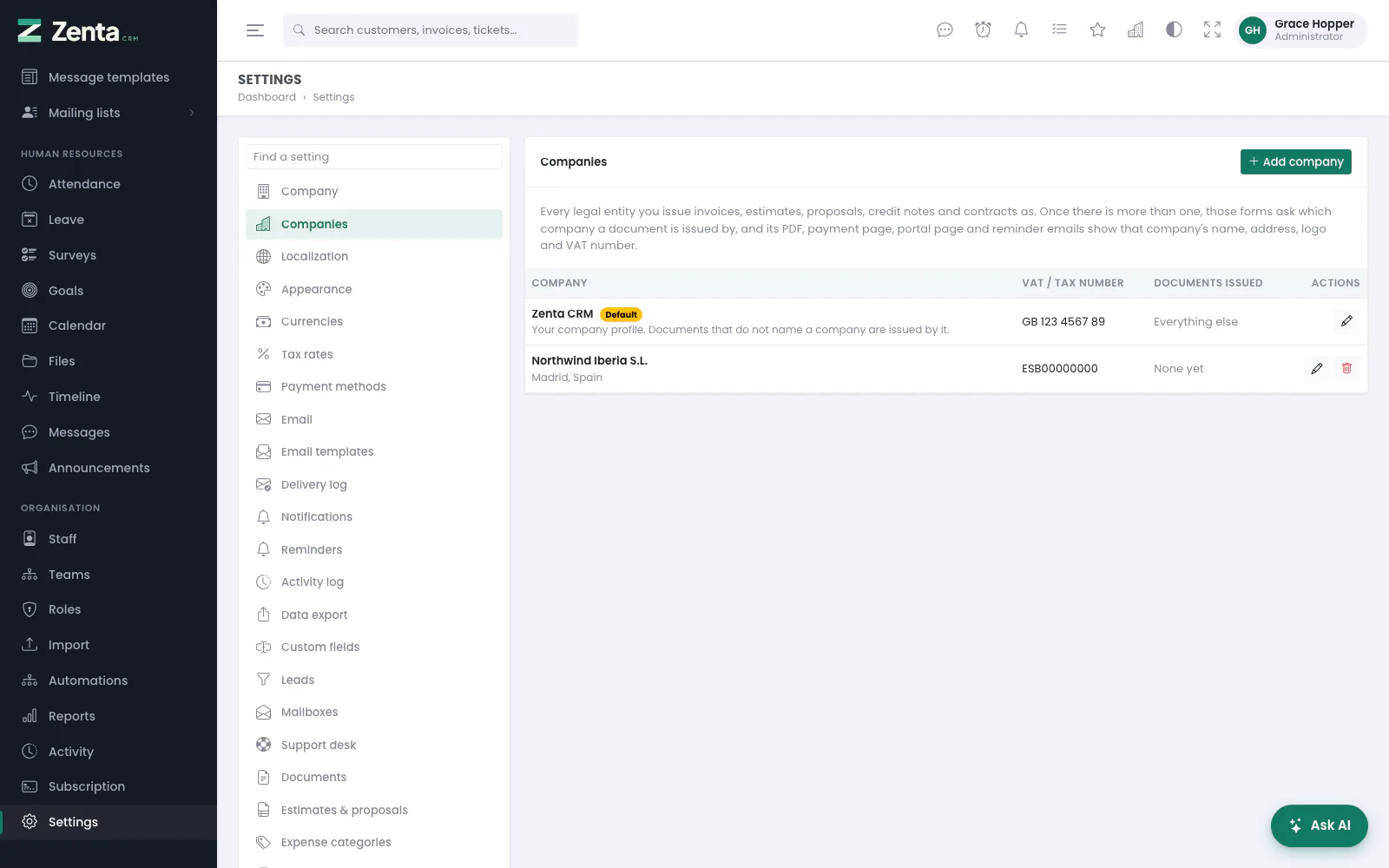 The companies documents can be issued by: the default company first, then the others.
If you invoice as more than one legal entity - a UK company and its Spanish subsidiary, say - add each of them under Settings → Companies. The profile under Settings → Company is always the default company: it heads the list marked Default, it is edited where it always was (its button goes to Settings → Company), and every document that does not name another company is issued by it. Nothing changes for a workspace until a second company is added.
The list shows each company's name (with its city and country), its VAT / Tax number, and Documents issued: how many invoices, estimates and so on name it, None yet, or for the default company Everything else.
Adding a company
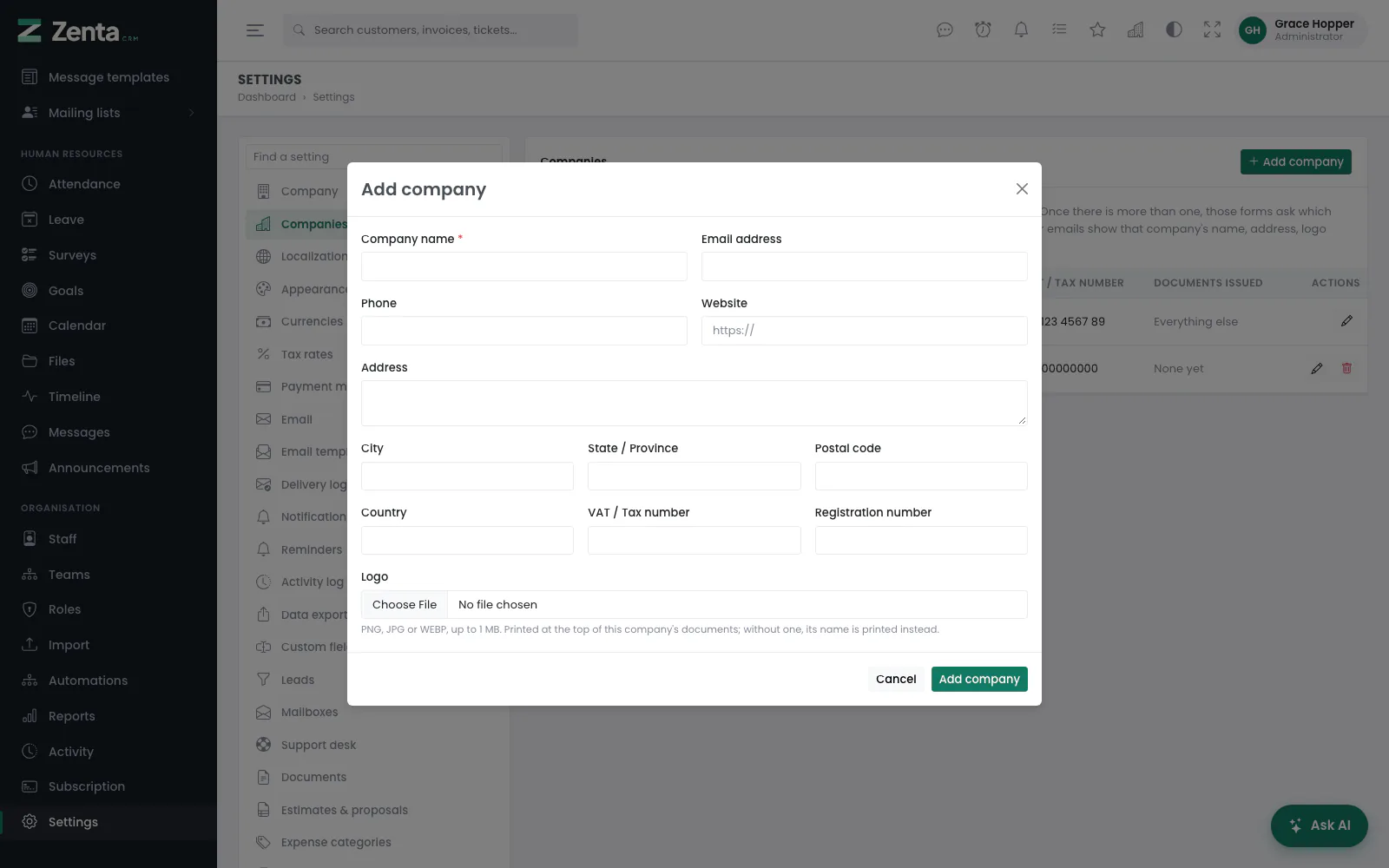 Adding a company.
- Open Settings → Companies and press Add company.
- Fill in the form below and press Add company.
- Open a new invoice, estimate, proposal, credit note, contract or subscription. There is now an Issued by field; leave it on the default company or pick the other one.
| Field | What it does |
|---|---|
| Company name | Required, up to 150 characters. |
| Email address, Phone, Website | Optional contact details. The website must be a full address starting https://. |
| Address, City, State / Province, Postal code, Country | Optional. Printed as the company's address. |
| VAT / Tax number, Registration number | Optional, up to 60 characters each. |
| Logo | PNG, JPG or WEBP, up to 1 MB. Printed at the top of this company's documents; without one, its name is printed instead. |
Changing or removing one
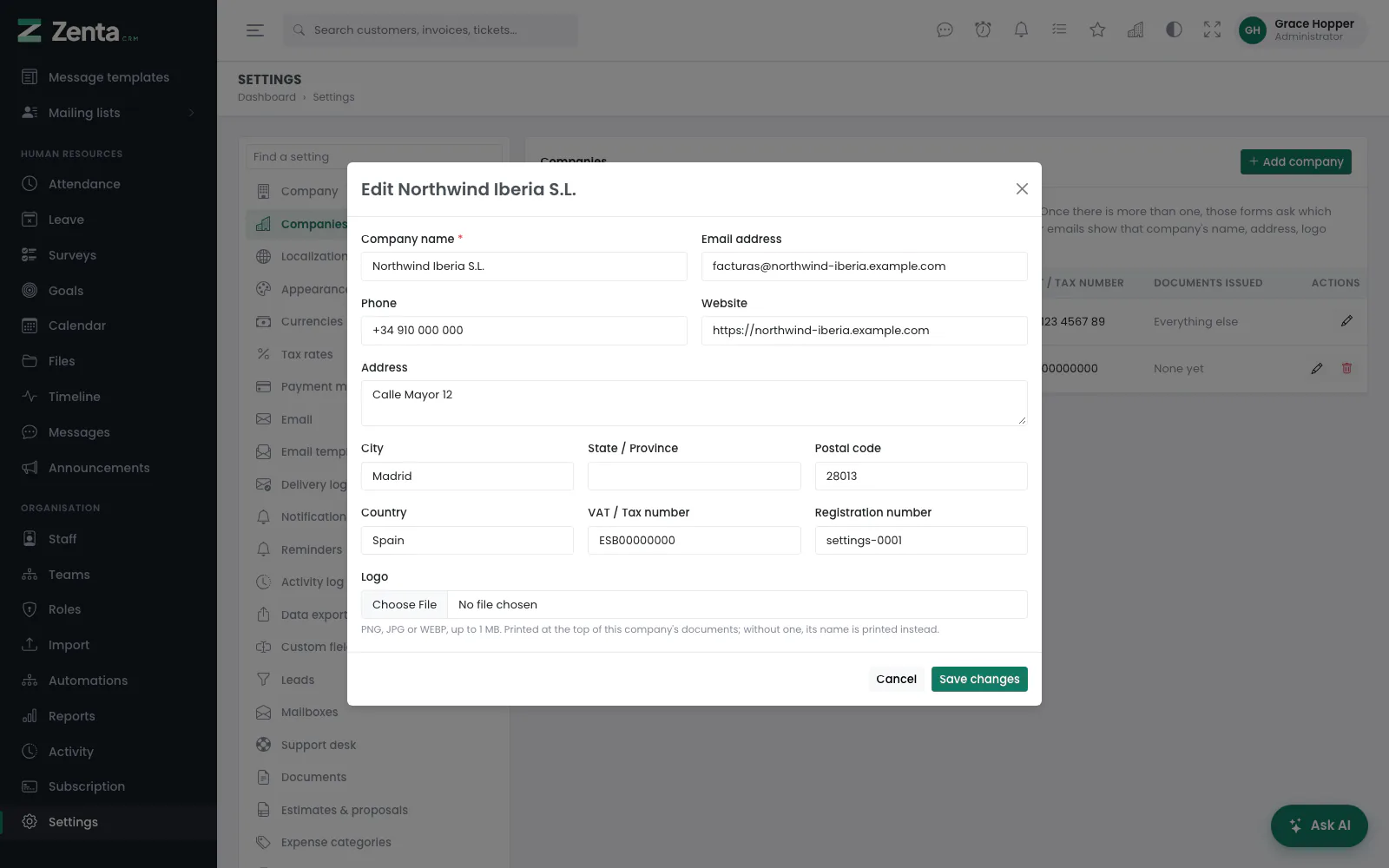 Editing a company. Its logo can be replaced or removed here.
The button opens the same form; press Save changes. Choosing a new logo replaces the old one; once a company has a logo, ticking Remove the logo takes it off when you save. Documents already issued by the company show the new details the next time they are opened or printed.
The button removes a company, after you confirm (Remove …?). It is shown only for a company that has issued nothing; see the note below.
Where the company appears
The issuing company's name, address, logo and VAT number appear on:
- the document's PDF - downloaded by staff, from the customer portal, or attached to an emailed document;
- the customer's payment page (the link on each invoice) and the invoice, estimate, proposal and contract pages in the customer portal, under From;
- the reminder emails about the document, where
{company_name},{company_email},{company_phone}and{company_address}are filled with the issuing company's details. A document emailed with its PDF is also signed off with the company's name; - the staff pages for invoices, estimates, proposals, credit notes and contracts, once the document names a company other than the default.
The company carries over when a document becomes another one: an estimate converted to an invoice, a proposal converted to an estimate or an invoice, and every invoice a recurring subscription raises. From an invoice's page, Credit note starts a credit note with the invoice's customer, currency, company and lines already filled in, and linked to the invoice.
Managing companies needs the Settings: edit permission; seeing the list needs Settings: view. The sender address of outgoing email does not change with the company - it is the one under Settings → Email.
Addresses on this page
For reference and for anyone scripting against the panel. Everything here needs somebody signed in to the workspace whose role allows it; anybody else is refused.
| Method | Address | What it does |
|---|---|---|
GET | admin/settings/companies | The list of companies, the default first. |
GET | admin/settings/companies/create | The Add company form, in a pop-up. |
POST | admin/settings/companies | Adds a company, with its logo. |
GET | admin/settings/companies/{company}/edit | The edit form, in a pop-up. |
PUT | admin/settings/companies/{company} | Saves a company; a new logo replaces the old, and remove_logo takes it off. |
DELETE | admin/settings/companies/{company} | Removes a company. Refused, with the documents it issued named, if it has issued any. |